AI Hair Color Try-On
Upload a portrait and describe or reference the color you want — the AI repaints your hair with natural highlights, root depth, and lighting consistency. See it before the salon appointment. Free.
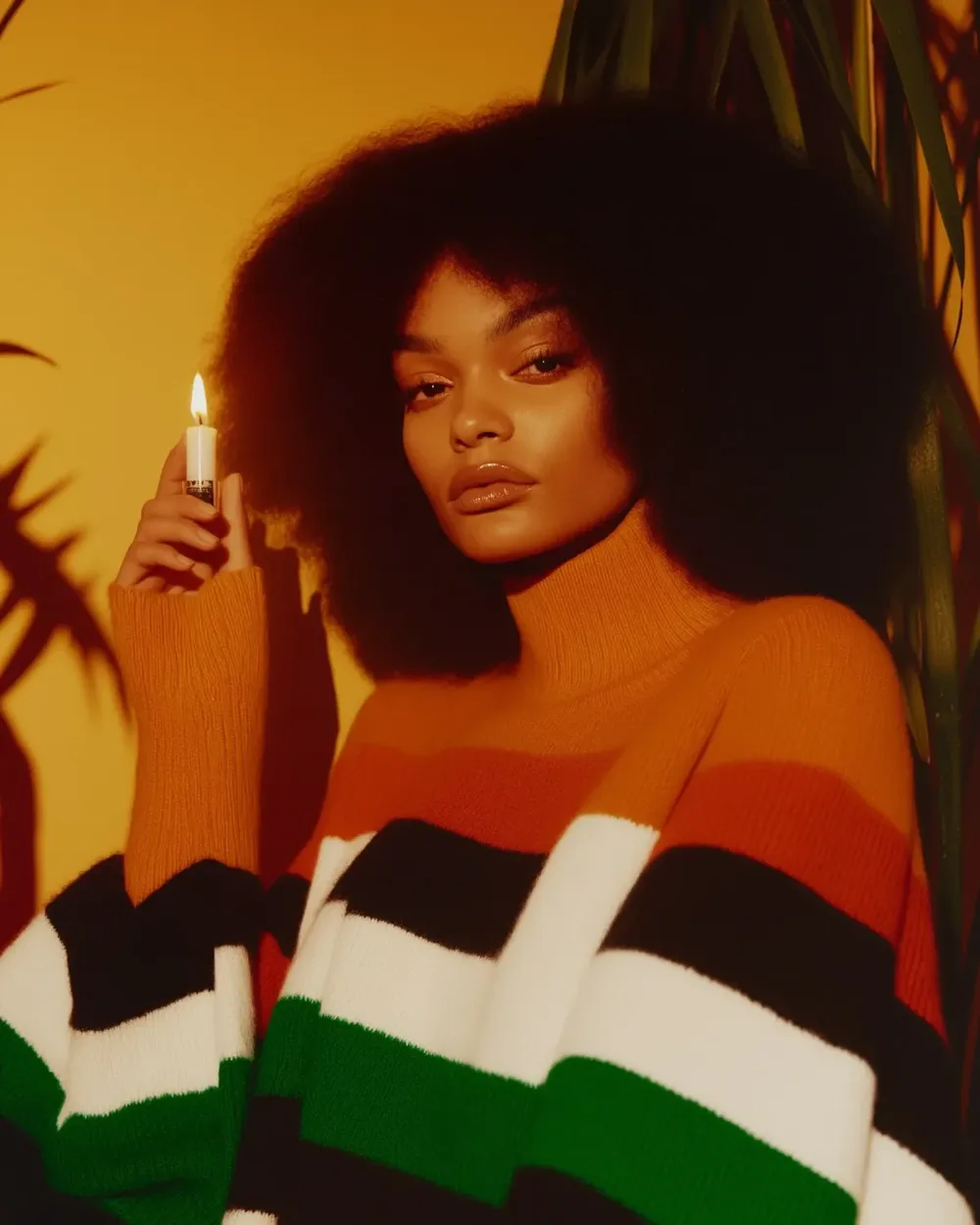
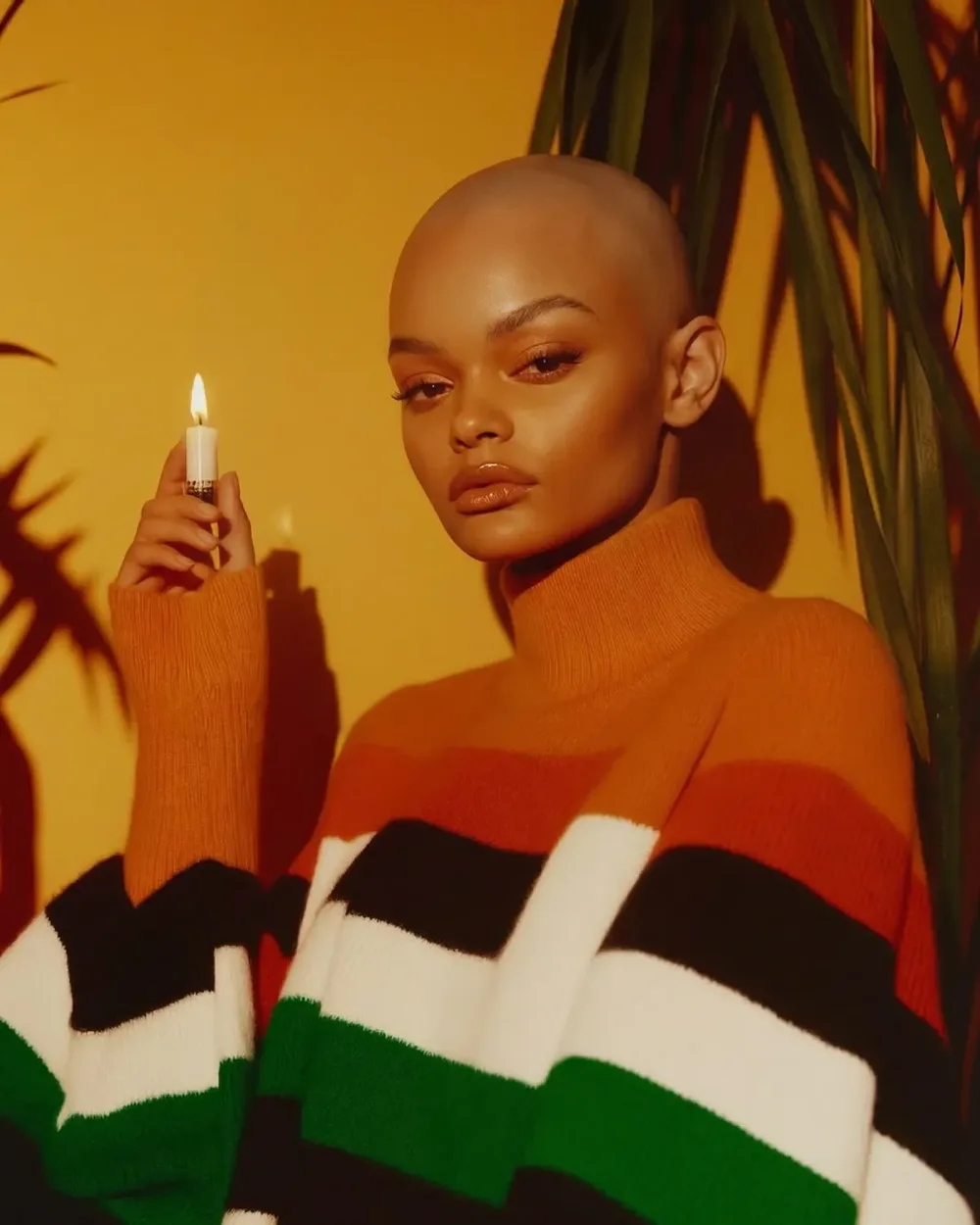
Preview Any Hair Color on Your Photo — 3 Steps
Upload your portrait and a color reference — see the result in under a minute before anything touches your hair.
Upload Your Portrait
Submit any clear head-and-hair photo. The model identifies your hair region precisely and keeps your face, complexion, and expression untouched.
Provide a Color Reference
Upload a photo of the hair shade you want to evaluate — blonde, brunette, auburn, balayage, ombre, platinum, pastel, or vivid. The model reads the full color and technique information.
Collect Your Color Preview
Generate and see the new hair color on your photo within 60 seconds. Download at up to 4K to share with your stylist or compare options.
What is Virtual Hair Color Try-On?
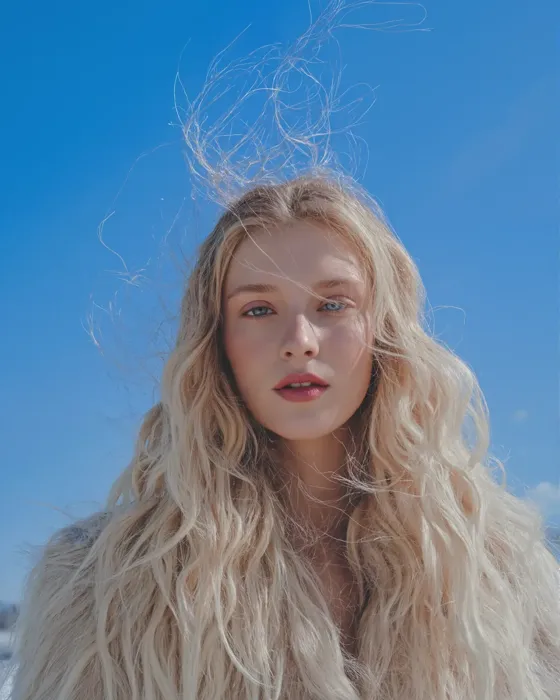
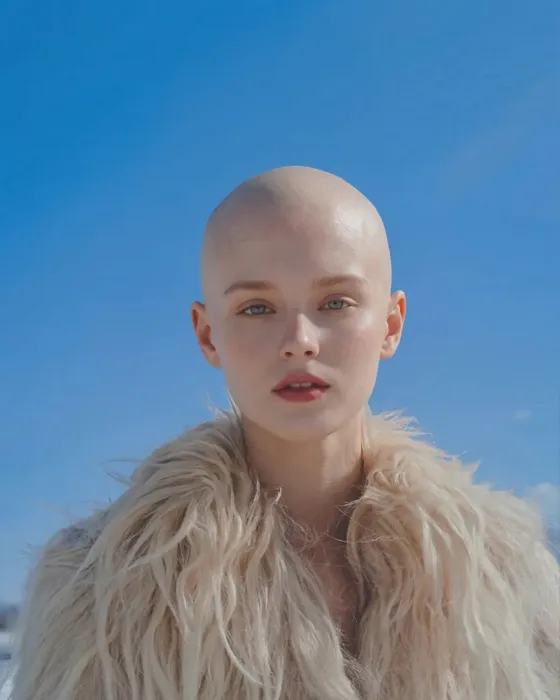
Virtual hair color try-on lets you see any hair shade on your own photo before you ever sit in a salon chair. Instead of selecting from swatches that bear little resemblance to the actual result on your specific hair texture, the model analyzes your hair volume, light conditions, and strand pattern, then renders the target color with natural highlights, root depth, and gradient.
HappyHorse's hair color engine understands professional colorist techniques: balayage feathering, ombre transitions, highlight placement, and root blending. Whether you are weighing blonde highlights, considering platinum, or curious about a vivid fashion color — the output shows what the shade will actually do on your hair, not what it looks like on a color board.
Why HappyHorse for Hair Color Try-On?
Technique-Aware Color Rendering
The model understands highlights, lowlights, balayage feathering, and ombre depth — the result reads like a professional color service, not a tinted image.
Face Completely Untouched
Skin tone, eye color, expression, and every facial feature are pixel-identical to your source photo. Only the hair color changes.
Full Spectrum of Colors
From natural brunette and auburn to platinum, copper, pastel pink, or electric blue — any color reference produces a realistic result.
Browser-Based — No App Needed
Preview shades directly in your browser on any device. Browsing requires no account.
Ready Under 60 Seconds
Most hair color previews are delivered in 30-60 seconds, even at 2K resolution.
Private Image Processing
Photos are encrypted and scoped to your account. We do not share or train on your images.

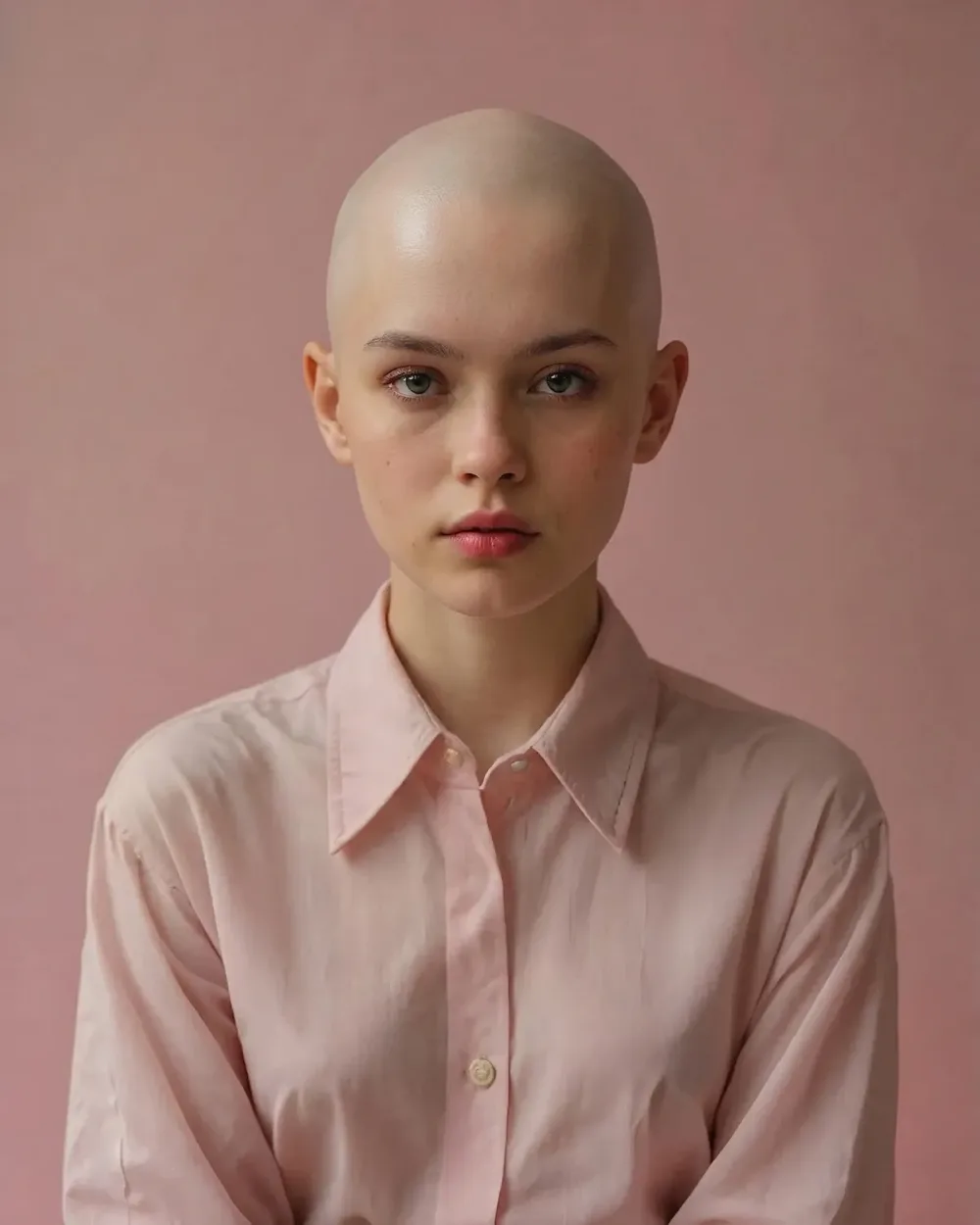
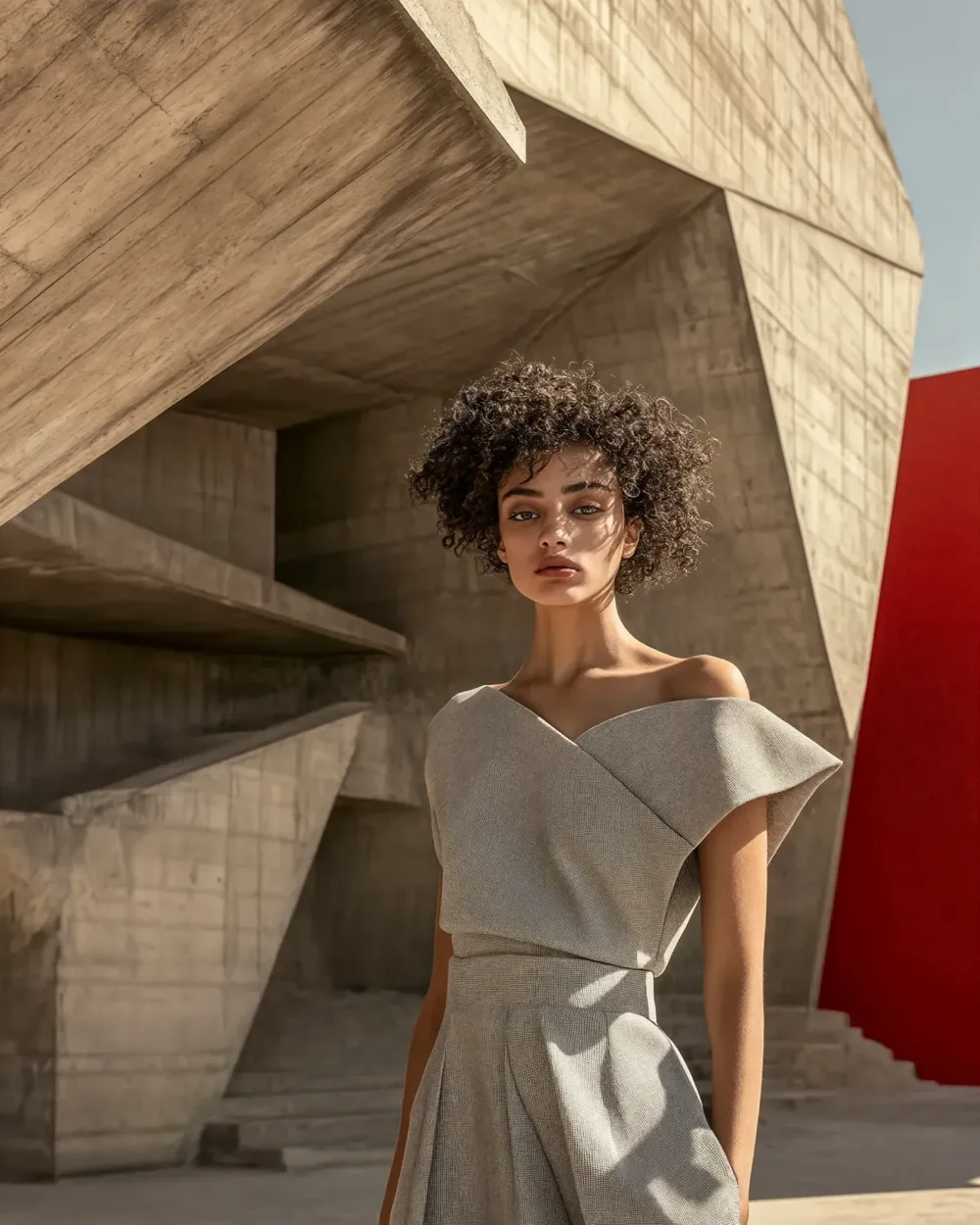
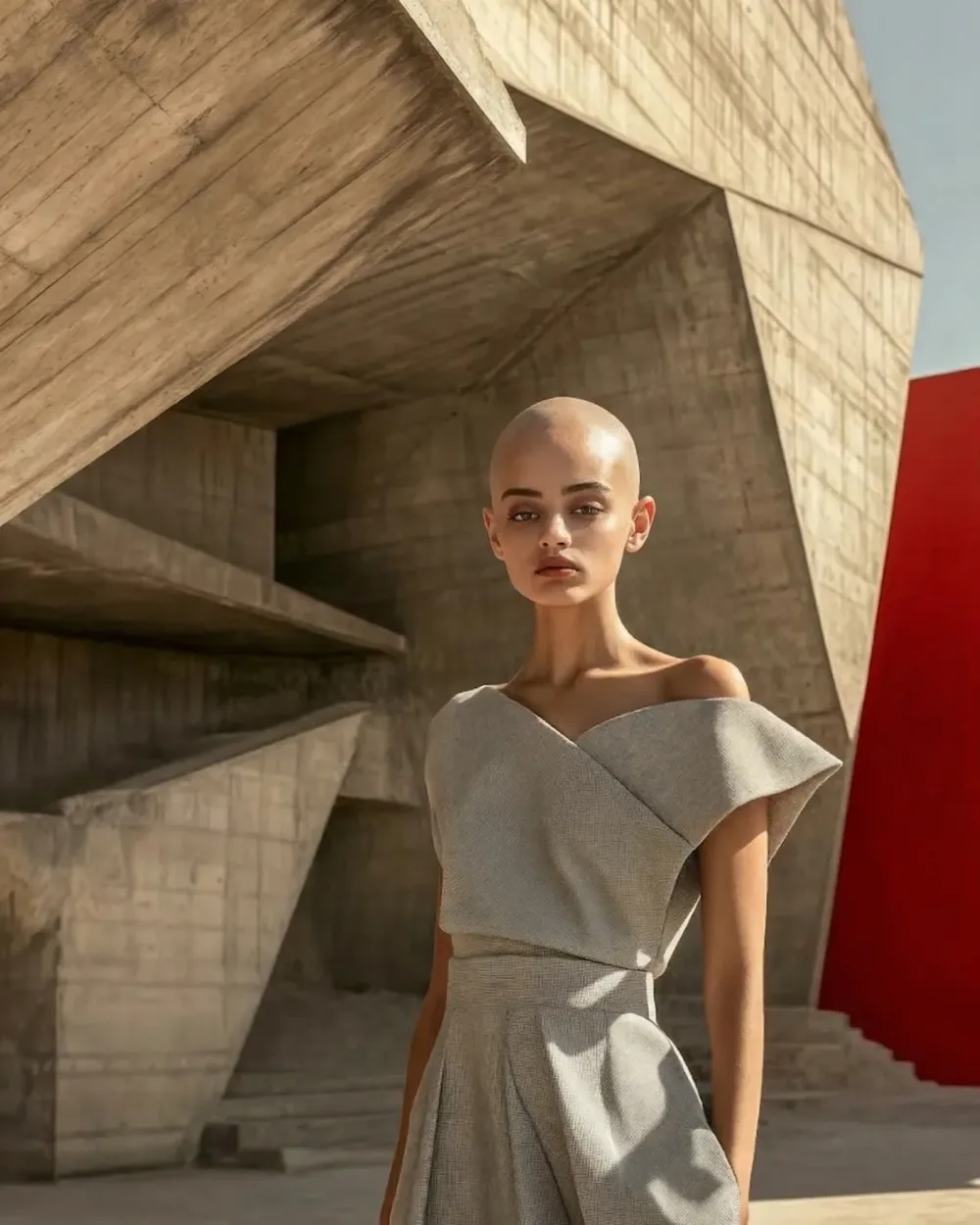
Color corrections cost as much as the original dye — preview first
A color correction appointment can match the cost of the original service and take significantly longer. Swatches and model photos never fully predict how a shade performs on your specific texture and skin tone. Virtual hair color try-on eliminates the uncertainty before you commit to any chemical service.
Who Uses Hair Color Try-On
Salon clients, professional colorists, beauty creators, and cosplayers all use AI hair preview to make better decisions.
Salon Clients
Walk into your appointment knowing exactly what you want. No uncertainty about whether the reference photo will translate to your actual hair.
Hair Colorists and Salons
Run a virtual preview during the client consultation. Clearer briefs, fewer mid-service changes, stronger client confidence in your work.
Beauty and Hair Content Creators
Produce color transformation content for social platforms without a real dye session for every post. One portrait, many color variants.
High-Stakes Color Decisions
Considering platinum or vivid magenta but nervous about the result? See it on your actual hair before any irreversible chemical commitment.
Color Correction Planning
When a dye job has gone wrong, virtual try-on helps both client and colorist lock in on the target shade before the correction appointment.
Cosplay and Event Styling
Preview silver, electric blue, or fantasy two-tone colors on your hair before deciding between a wig purchase or an actual dye.
Clients on Hair Color Try-On
Feedback from salon clients, stylists, and creators who preview before deciding.
'Going platinum terrified me because I had no reference point for how it would look against my complexion. Seeing it on my own face — not a model — gave me real confidence. The result matched the preview closely.'
S.K.
Salon Client
'I run a preview during every color consultation now. Clients arrive with clearer expectations, services run faster, and I receive fewer calls after the appointment about second thoughts.'
T.M.
Hair Stylist
'I tested three balayage blonde options on my dark hair before the appointment. Walked in with a specific AI-rendered reference my colorist said was the clearest brief she had seen in years.'
A.L.
First-Time Balayage Client
'My platform needs hair color variety. This lets me produce transformation posts without scheduling another full dye session every time I need new content.'
R.P.
Content Creator
'I was hesitant about auburn on my very dark hair. The AI preview on my photo showed me it would complement my skin tone far better than I expected. Booked the session that afternoon.'
M.J.
Hair Color Enthusiast
'I had to decide between buying a silver wig or bleaching my hair for a cosplay. The preview showed the bleached look worked — I dyed it instead and kept the wig budget for something else.'
K.R.
Cosplayer
How Hair Color Try-On Works
The model reads hair texture and ambient light, extracts color data from your reference, and renders the new shade with professional technique fidelity — highlights, gradients, and root transitions included.
Surgical Hair Segmentation
The model isolates only hair pixels — skin tone, eye color, expression, and all facial structure are completely untouched during the color render.
Colorist-Level Technique Accuracy
Highlights, lowlights, balayage gradients, and vivid fashion tones are applied with the same placement logic a skilled colorist uses — not a flat hue replacement.
Natural Through Fantasy — All Supported
The model handles every color category from subtle natural brunette shifts to full fantasy rainbow applications while keeping the output photorealistic.
Open-Source AI Toolkit for Video & Image Creation
From HappyHorse 1.0 joint video-audio generation to virtual try-on, outfit swapping, and photo editing — all powered by open-innovation AI models.
AI Kissing Video
Animate two-person portraits into romantic synchronized kissing videos with realistic facial expressions and fluid motion.
AI Kisses Video
Upload a selfie — HappyHorse AI creates a playful video of admirers rushing in from both sides to kiss you.
AI Hug Video
Turn a portrait into a warm AI hug animation with expressive body movement and natural emotional staging.
AI Bikini Generator
Visualize a smooth outfit transition into stylish swimwear — fluid AI animation powered by open-source diffusion models.
AI Muscle Generator
Generate a dramatic physique transformation video — realistic AI-animated muscle growth from a single source photo.
AI Dance Video
Bring any portrait to life with synchronized dance choreography, fluid limb movement, and rhythmic AI motion.
Ghibli AI Video
Render your portrait as a Studio Ghibli watercolor animation — dreamy soft textures, warm light, and storybook motion.
AI GIF Generator
Convert any static image into a seamless looping animated GIF — ready for social media, messaging, and web use.
AI Hanfu Transformation
Transform a portrait into a cinematic Hanfu video — flowing silk robes, elegant embroidery, and expressive movement.
AI Clothes Changer Video
Generate a smooth outfit transformation video cycling through 5-6 complete looks while keeping your identity intact.
Hair Color Try-On — Common Questions
Answers to frequently asked questions about AI hair color preview.
See Your Hair in Any Color
Before Your Salon Appointment
Upload a portrait and a hair color reference — AI renders a realistic preview with highlights and root transitions in under 60 seconds.
Free credits on signup · Results in under 60 seconds · No credit card required