AI Engagement Ring Try-On
Upload a hand photo and an engagement ring image — the AI renders diamond brilliance, band width, and sizing with photorealistic precision. Preview any setting before committing. Free, no registration.
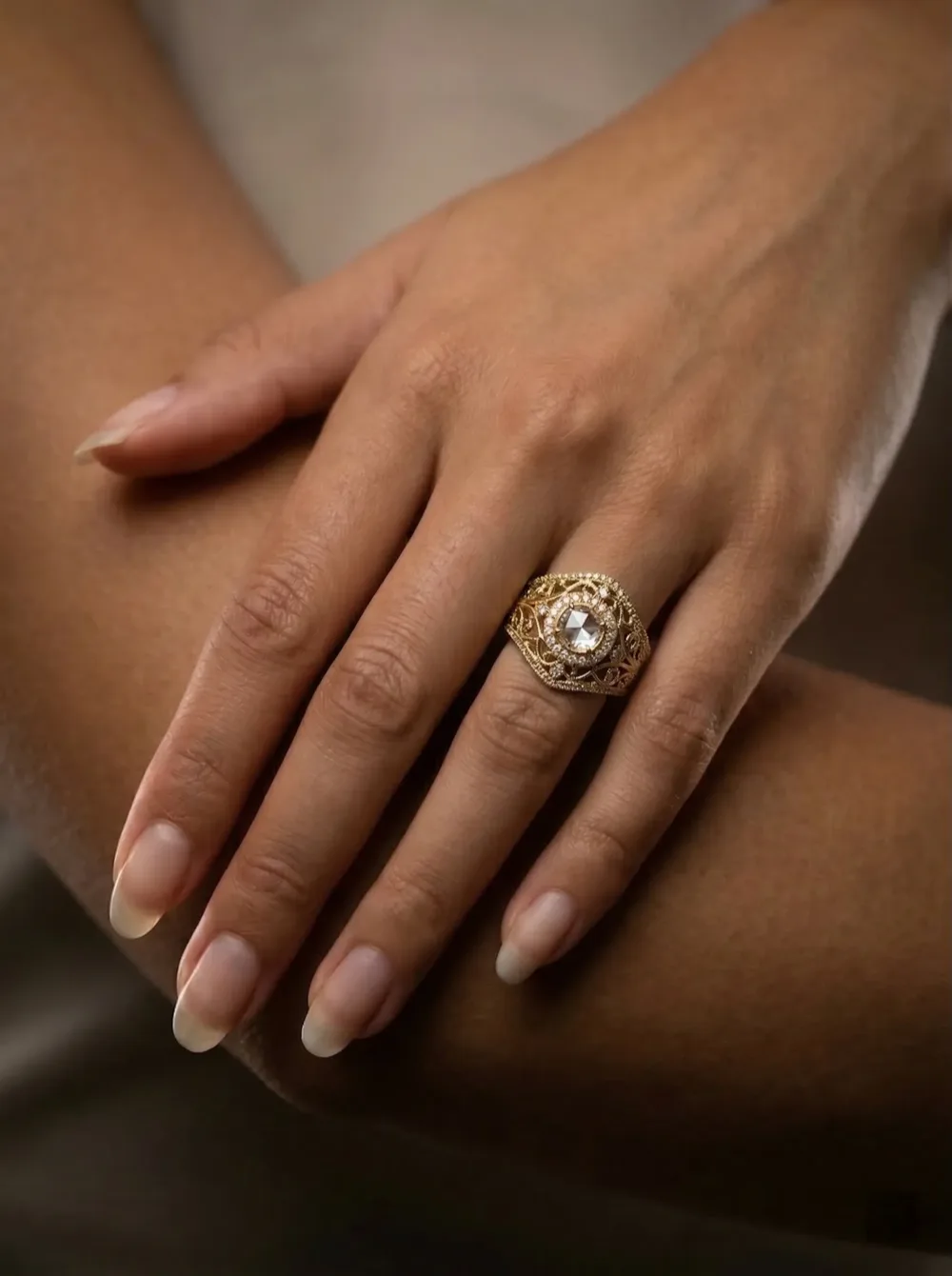
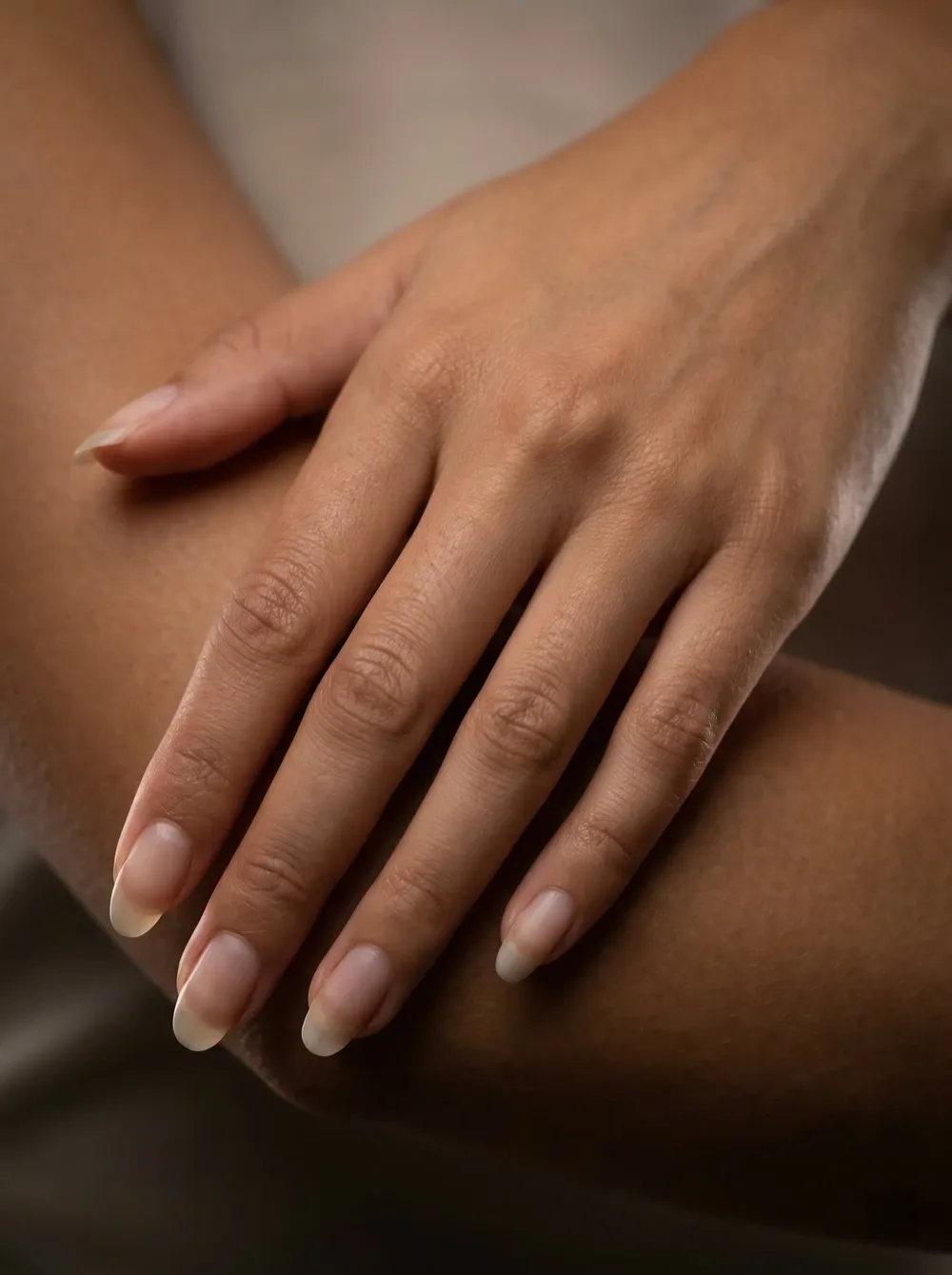
Preview Engagement Rings from Home — 3 Steps
Upload a hand photo and any ring image — realistic diamond rendering and finger placement in under a minute.
Submit a Hand Photo
Any clear hand photo works. The model reads finger proportions, skin tone, and nail detail automatically from the image.
Upload the Engagement Ring
Provide a photo of the ring — solitaire, halo, three-stone, pavé, princess cut, oval, round brilliant. Any setting is supported.
Download the Ring Preview
Generate and see the ring seated on your finger in seconds. Export at up to 4K to examine every prong and facet.
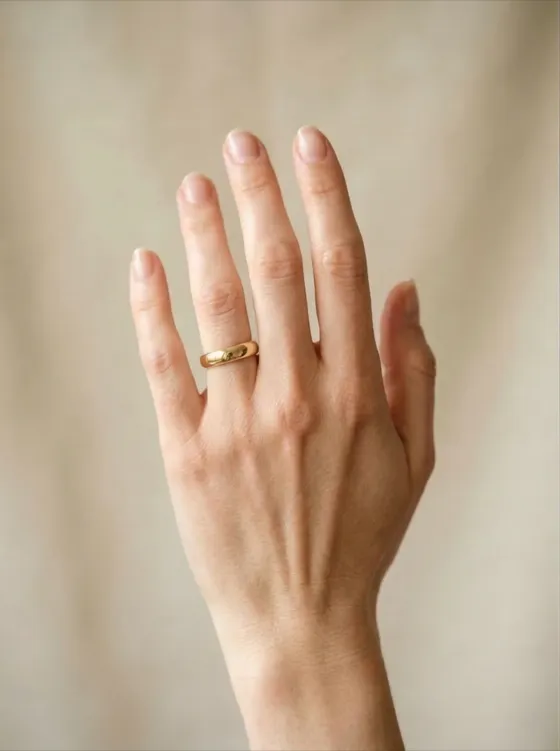
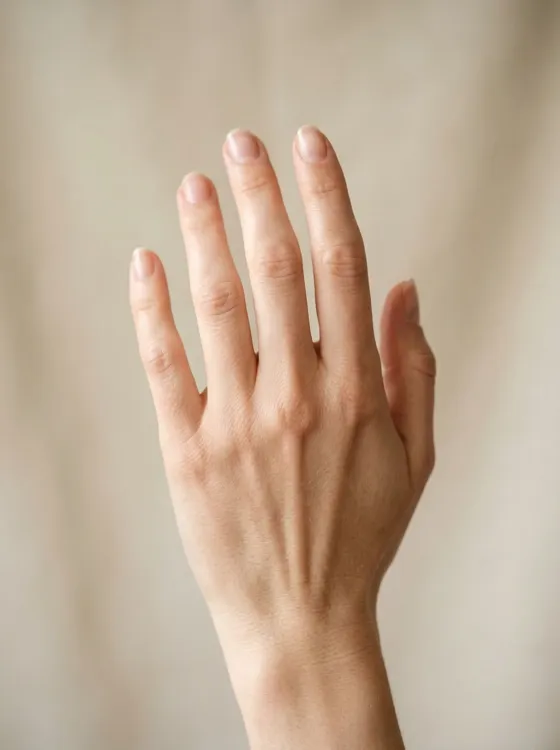
What is Virtual Engagement Ring Try-On?
Virtual engagement ring try-on uses AI to render any ring on your finger photographically — before you step into a showroom or make a purchase. The model processes hand geometry, finger proportions, and skin tone, then places the ring with accurate diamond brilliance, band metal reflections, and shadow physics.
HappyHorse's engagement ring engine handles the specific optical complexity of fine jewelry: how each diamond cut pattern disperses light differently, how yellow gold and platinum reflect their environment distinctly, and how ring proportions shift in visual weight across different finger widths. From minimal solitaire to complex pavé halo — the output is consistently photorealistic and genuinely useful for purchase decisions.
Why HappyHorse for Engagement Ring Try-On?
Cut-Accurate Diamond Rendering
Round brilliant, princess, oval, and cushion cuts each produce distinct light dispersion signatures — the model simulates each one correctly, not generically.
Hand Stays Pixel-Identical
Skin tone, finger shape, and nail details are unchanged. Only the ring is introduced, placed with precise finger geometry mapping.
Every Setting Style Covered
Solitaire, halo, three-stone, pavé, princess cut, oval, round brilliant — any ring photo generates an accurate result.
No Appointment, No Download
Preview rings from wherever you are in any browser. No app, no plugin, no store visit required.
Under 60 Seconds
Most engagement ring previews render in 30-60 seconds at standard resolution.
Private and Encrypted
Photos are encrypted and scoped to your account only. We do not sell or share your data.
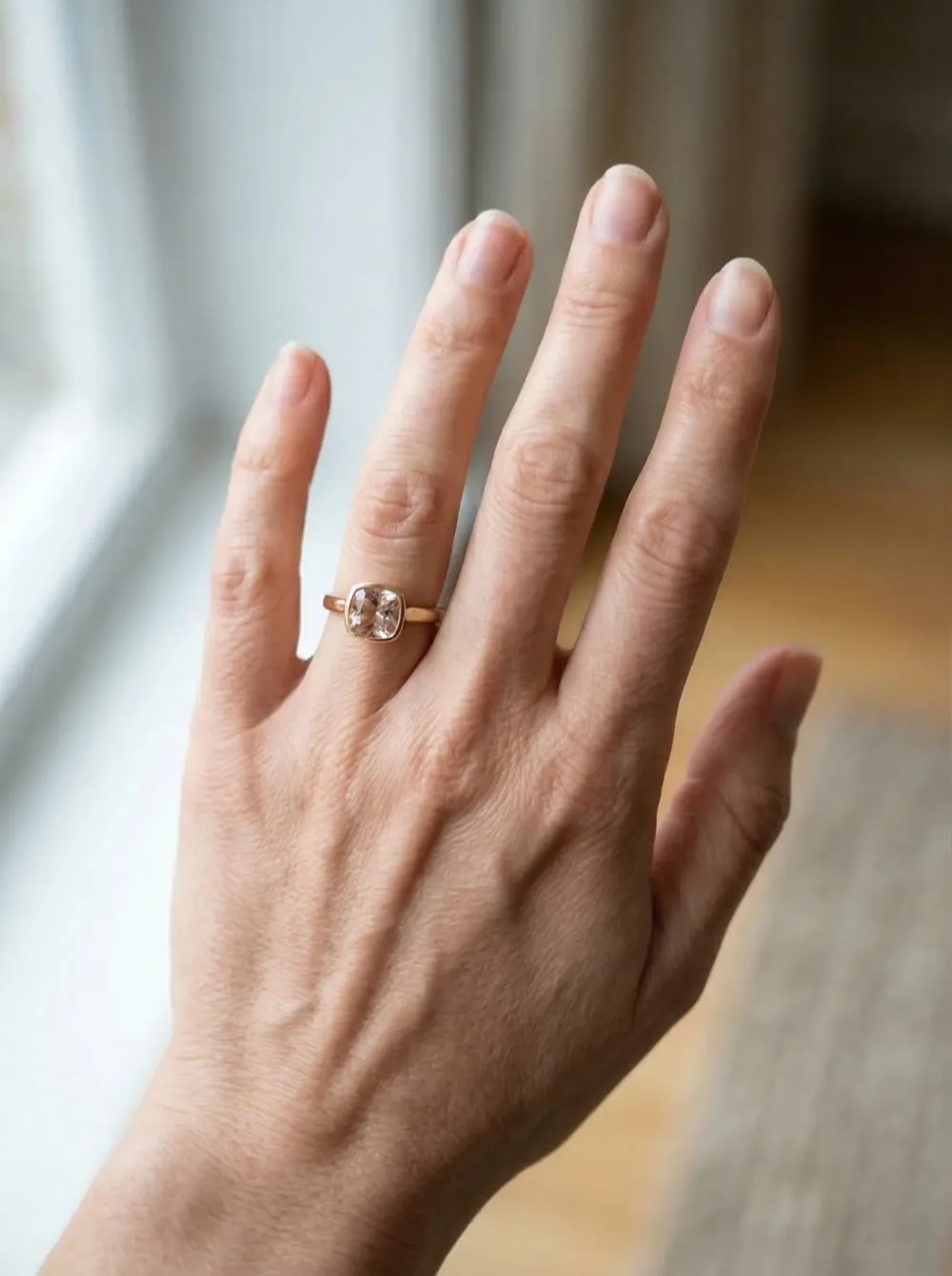
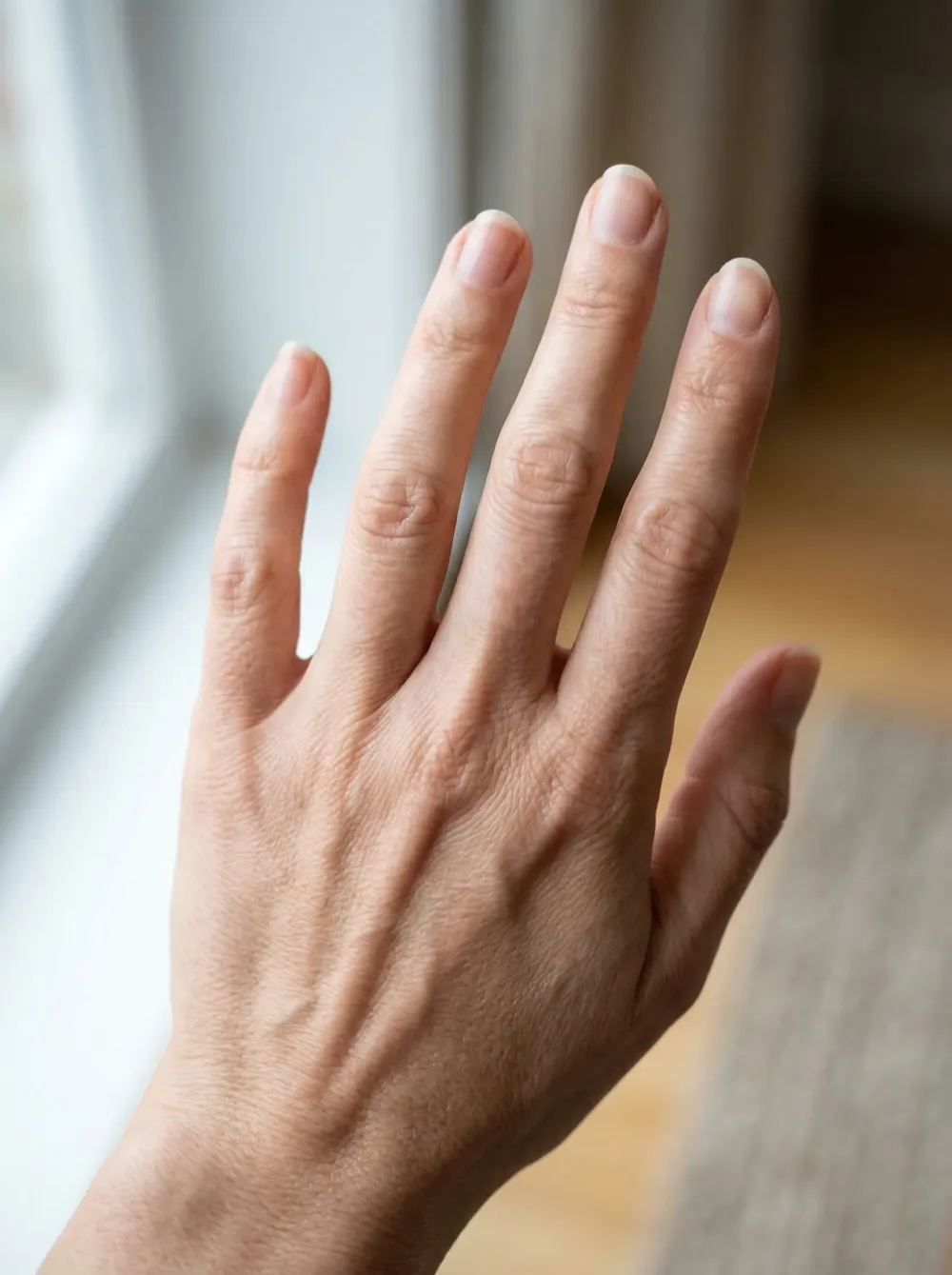
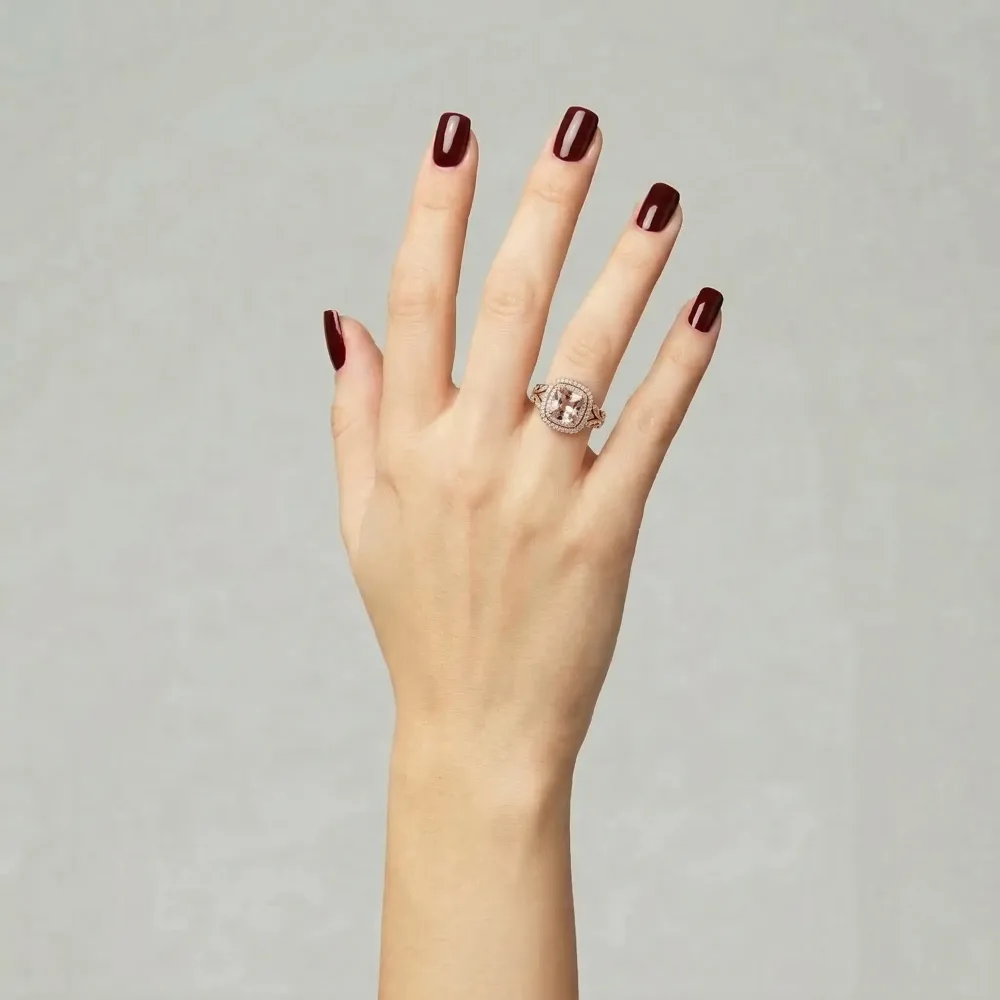
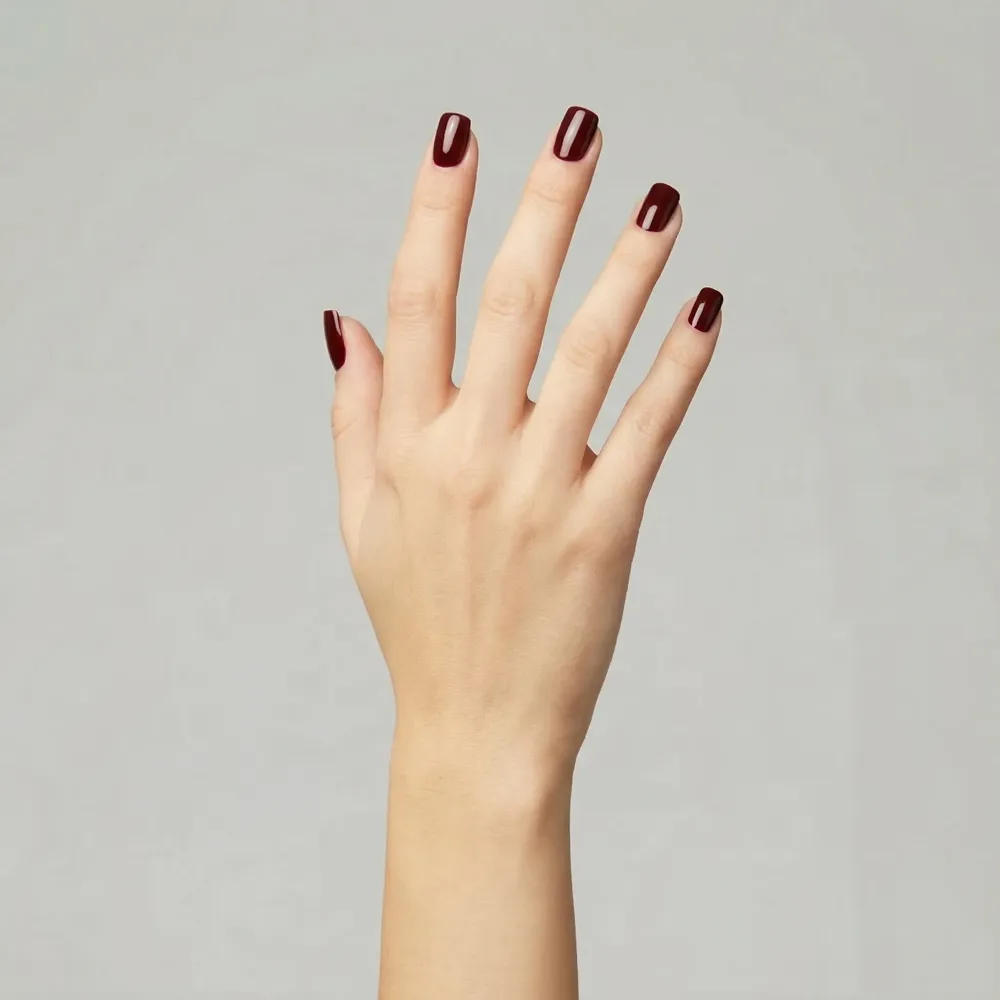
A purchase this significant deserves more than a product thumbnail
Most buyers spend thousands on an engagement ring based on a velvet-tray photo that tells them almost nothing about how the ring looks on a finger. Returns are emotionally complicated and often non-refundable. Seeing the ring on the right hand before you commit changes the entire dynamic.
Who Uses Engagement Ring Try-On
Anyone proposing, choosing together, or selling engagement jewelry benefits from a real-hand preview.
Planning a Proposal
Use a hand photo of your partner to preview ring styles privately. Know the ring is right before you ask the question.
Choosing as a Couple
Compare multiple styles on the hand that will wear the ring, without store pressure or multiple appointment bookings.
Engagement Announcements
Generate a ring-on-hand image for your announcement post before the actual proposal. Shareable at 4K resolution.
Jewelry Retailers
Let customers preview your catalog on their own hand. Shoppers who see the ring on their finger convert more and return less.
Style Comparisons
Deciding between two settings? Preview both on the same hand photo and evaluate side by side with zero sales pressure.
Surprise Proposals
Preview rings on your partner's hand photo privately before ordering. Confirm proportions and style look right before the big moment.
Shoppers on Engagement Ring Try-On
Stories from people who made their ring decision with confidence.
'I went back and forth between a solitaire and an oval halo for weeks. One preview session on my actual hand ended the debate immediately — the oval read completely differently on a finger than on a tray.'
C.M.
Newly Engaged
'Since launching virtual ring preview on our site, page session time doubled and return rate dropped measurably. Customers who preview are more decisive at checkout.'
R.P.
Jewelry Store Owner
'She had mentioned a three-stone setting once in passing. I previewed it on her hand from a photo without telling her. Ordered the same night. She was completely surprised and it looked exactly right.'
J.T.
Groom-to-Be
'I needed to see a pavé band on my actual hand before committing to that price point. The diamond refraction rendering was accurate enough that I zoomed in twice to confirm it was a preview.'
A.K.
Ring Enthusiast
'Weeks of scrolling with no confidence. One afternoon of virtual previewing on my own hand and I had a clear answer. The decision felt obvious the moment I could actually see the ring there.'
M.H.
Online Shopper
'I created a ring-on-hand image from the jeweler product photo and used it as our engagement announcement. Multiple people assumed it was a real photo from the proposal.'
S.L.
Content Creator
How Engagement Ring Try-On Works
The model analyzes hand geometry, simulates per-cut diamond optics, and renders the ring into your photo with ambient light synchronization and physically accurate shadow.
Per-Cut Diamond Optics
Each diamond cut — round brilliant, princess, oval, cushion — has a distinct light dispersion signature. The model simulates each one individually, not with a single generic gem shader.
Scene Light Matching
Metal reflections and stone brilliance are calibrated to the exact lighting conditions in your hand photo, producing seamless photographic integration.
Any Ring Architecture Supported
From a clean solitaire to a complex multi-stone halo with pavé shoulders — the model handles any ring geometry while maintaining photorealistic output.
Open-Source AI Toolkit for Video & Image Creation
From HappyHorse 1.0 joint video-audio generation to virtual try-on, outfit swapping, and photo editing — all powered by open-innovation AI models.
AI Kissing Video
Animate two-person portraits into romantic synchronized kissing videos with realistic facial expressions and fluid motion.
AI Kisses Video
Upload a selfie — HappyHorse AI creates a playful video of admirers rushing in from both sides to kiss you.
AI Hug Video
Turn a portrait into a warm AI hug animation with expressive body movement and natural emotional staging.
AI Bikini Generator
Visualize a smooth outfit transition into stylish swimwear — fluid AI animation powered by open-source diffusion models.
AI Muscle Generator
Generate a dramatic physique transformation video — realistic AI-animated muscle growth from a single source photo.
AI Dance Video
Bring any portrait to life with synchronized dance choreography, fluid limb movement, and rhythmic AI motion.
Ghibli AI Video
Render your portrait as a Studio Ghibli watercolor animation — dreamy soft textures, warm light, and storybook motion.
AI GIF Generator
Convert any static image into a seamless looping animated GIF — ready for social media, messaging, and web use.
AI Hanfu Transformation
Transform a portrait into a cinematic Hanfu video — flowing silk robes, elegant embroidery, and expressive movement.
AI Clothes Changer Video
Generate a smooth outfit transformation video cycling through 5-6 complete looks while keeping your identity intact.
Engagement Ring Try-On — Common Questions
Answers for couples and shoppers comparing engagement ring styles.
Find the Right Engagement Ring
on Your Hand — Before You Commit
Upload a hand photo and any ring image — AI renders diamond sparkle, band proportions, and metal finish with photorealistic accuracy.
Free credits on signup · Output in under 60 seconds · No credit card required