AI Background Eraser
Upload any photo and get a clean transparent PNG in seconds — no Photoshop skill, no manual selection. Hair, fur, and translucent edges handled with precision. Powered by Recraft AI.
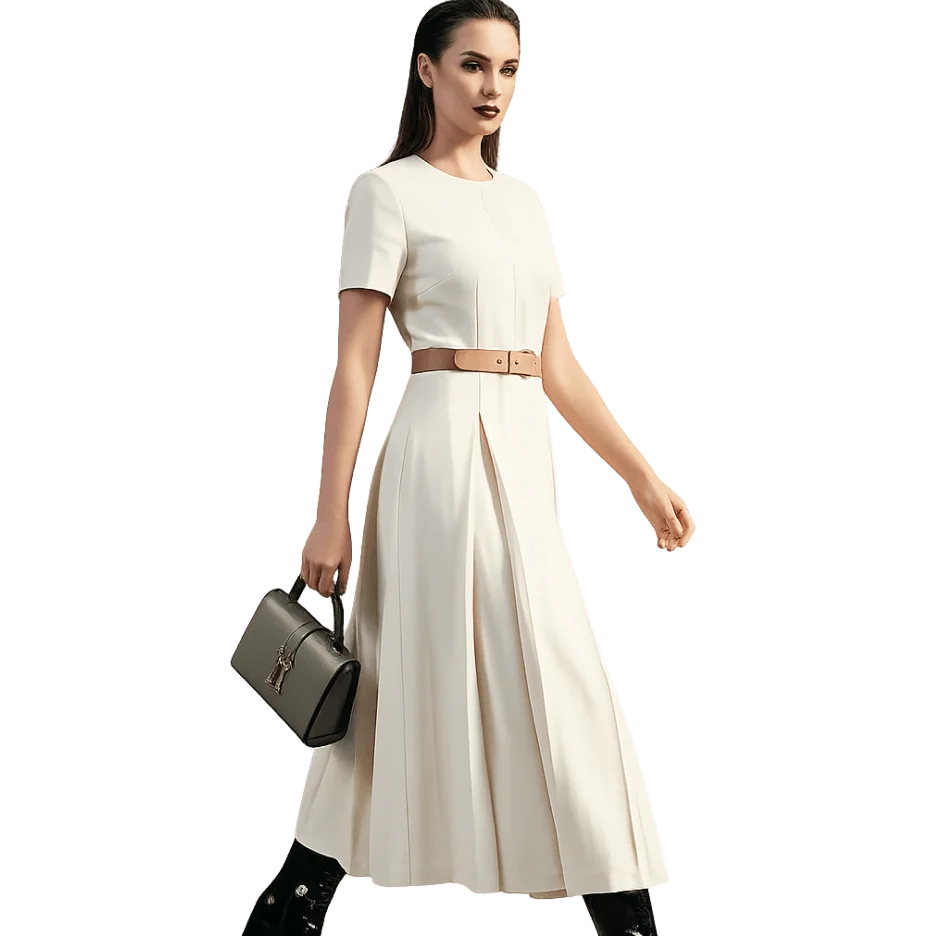
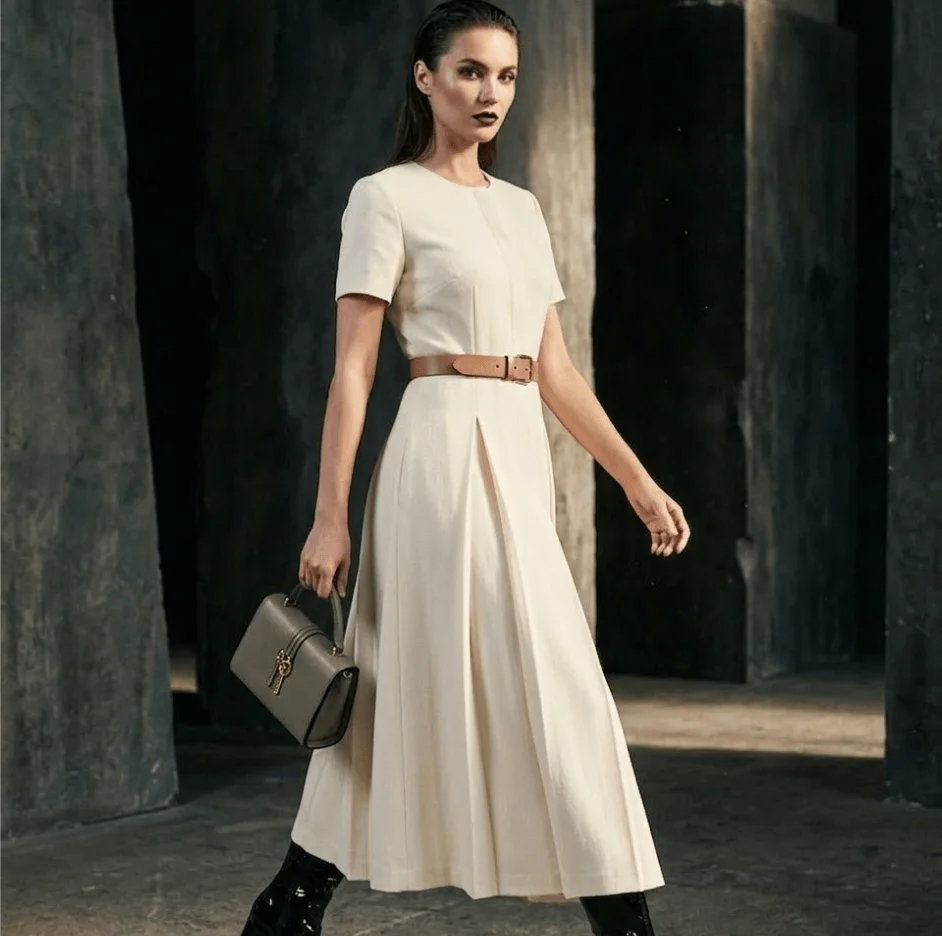
Remove Any Background in 2 Steps
Upload and click — the AI handles subject isolation and edge cleanup automatically.
Upload Your Photo
Drop in any PNG, JPG, or WebP up to 5MB — a person, product, pet, vehicle, or any subject you need cut out.
Click Remove Background
One click — the AI locates the subject, removes everything behind it, and delivers a sharp transparent PNG ready to download and use.
What is AI Background Eraser?
AI Background Eraser identifies the main subject in any photo and removes everything else — producing a clean transparent PNG automatically. Manual background removal requires lasso tools, refine-edge passes, and layer mask work that takes trained editors 10-30 minutes per image. This tool compresses that entire workflow into a single click.
HappyHorse uses the Recraft AI model to tackle the edge cases that defeat generic tools — individual hair strands, dense animal fur, glass objects, and sheer fabrics — without the telltale blurry halo. The output is a production-grade transparent PNG that integrates directly into product listings, marketing decks, Canva layouts, Figma files, or Photoshop workflows without any additional cleanup.
Why HappyHorse for Background Removal?
Result in Under 30 Seconds
Upload and click — production-ready transparent PNG delivered faster than Photoshop could even load.
Hair, Fur, and Glass — All Sharp
Recraft AI resolves individual hair strands, dense fur textures, and translucent materials with clean, natural edge cutouts where others leave a blur.
Drop-In Ready Output
The transparent PNG integrates directly into any eCommerce listing, design file, or social asset — no further edge cleanup required.
Nothing to Install
No Photoshop subscription, no local app, no plugins. Runs in any browser on any device.
Any Subject Type
Portraits, product packshots, pet photos, logos, vehicles — the AI produces accurate cutouts across every subject category.
Encrypted and Private
Uploads are scoped to your account and encrypted. We never sell or train on your images.
Who Uses AI Background Removal?
Product teams, designers, photographers, and content creators who need clean cutouts consistently.
eCommerce and Product Teams
Hit marketplace white-background requirements for Amazon, Shopify, and Etsy without a studio shoot — clean transparent PNG in one click.
Content Creators and Influencers
Pull subjects out for thumbnails, story overlays, and creative composites — no manual masking in Canva or Photoshop needed.
Graphic Designers
Drop production-ready transparent PNGs directly into Figma, Canva, or Photoshop comps and eliminate repetitive manual mask work per project.
Photographers and Studios
Prepare headshots and portraits with clean cutouts for corporate packages, school photography, and event galleries at volume.
Marketers and Ad Teams
Generate cutouts for ad creatives, landing pages, and campaign assets without scheduling a new photoshoot for every execution.
Developers and Automation
Process images programmatically for catalog pipelines, content automation, or app feature prototyping with a clean, reliable API-ready workflow.
Open-Source AI Toolkit for Video & Image Creation
From HappyHorse 1.0 joint video-audio generation to virtual try-on, outfit swapping, and photo editing — all powered by open-innovation AI models.
AI Kissing Video
Animate two-person portraits into romantic synchronized kissing videos with realistic facial expressions and fluid motion.
AI Kisses Video
Upload a selfie — HappyHorse AI creates a playful video of admirers rushing in from both sides to kiss you.
AI Hug Video
Turn a portrait into a warm AI hug animation with expressive body movement and natural emotional staging.
AI Bikini Generator
Visualize a smooth outfit transition into stylish swimwear — fluid AI animation powered by open-source diffusion models.
AI Muscle Generator
Generate a dramatic physique transformation video — realistic AI-animated muscle growth from a single source photo.
AI Dance Video
Bring any portrait to life with synchronized dance choreography, fluid limb movement, and rhythmic AI motion.
Ghibli AI Video
Render your portrait as a Studio Ghibli watercolor animation — dreamy soft textures, warm light, and storybook motion.
AI GIF Generator
Convert any static image into a seamless looping animated GIF — ready for social media, messaging, and web use.
AI Hanfu Transformation
Transform a portrait into a cinematic Hanfu video — flowing silk robes, elegant embroidery, and expressive movement.
AI Clothes Changer Video
Generate a smooth outfit transformation video cycling through 5-6 complete looks while keeping your identity intact.
AI Background Remover — Common Questions
Answers to frequently asked questions about removing backgrounds with AI.
Production-Ready Transparent PNGs
from Any Photo — One Click
Upload a photo and click once — Recraft AI isolates the subject and delivers a clean, sharp transparent PNG in under 30 seconds.
Try AI Background Eraser FreeFree credits on signup · Results in under 30 seconds · No credit card required